Buying & selling online
Facebook Marketplace Scams: How They Work and Red Flags
Facebook Marketplace scams follow a few patterns: upfront payments, fake listings, fake payment emails and overpayment. Learn the red flags before you pay.
Most Facebook Marketplace scams give themselves away the same way: the deal looks too good, and the other person pushes you to pay or ship before you can check anything. Then the money moves somewhere Facebook can't protect you, such as Zelle, Venmo, Cash App or a payment page sent by text. Meet locally, inspect the item before you pay and keep the conversation in Messenger, and these tricks usually fall apart.
The numbers explain why caution pays. According to FTC data for 2025, people reported losing more money to scams that started on Facebook than on any other social platform, and reported losses from social media scams overall reached $2.1 billion. Those numbers cover every scam that starts on social media, not just Marketplace. Still, shopping scams were the most reported type.
At TrustCamera we build a camera app that lets sellers show when their listing photos were taken and that they haven't been altered since, so we look closely at how scammers fake listings and payments. Below are the scams to look out for as a buyer and as a seller, each in short form, with links to our in-depth guides.
How Facebook Marketplace scams work: the red flags at a glance
Nearly every Marketplace scam tries to get your money, item or data before you can verify anything. The warning signs repeat: a price far below market value, pressure to decide fast, upfront payment through an app, emails claiming you've been paid, codes sent by text and links that lead off Facebook. One of them is enough to slow down.
- Too cheap: The price is far below what the item sells for elsewhere.
- A deposit to hold it: You're asked to pay part of the price before you've seen the item.
- Payment apps only: The seller insists on Zelle, Venmo, Cash App, gift cards or a wire transfer.
- Off Messenger: The other person wants to switch to text, WhatsApp or email right away.
- "I already paid": A buyer sends a screenshot or email instead of a payment you can see in your own account.
- A code or a link: Someone asks you to read back a code sent to your phone or to open a payment link.
- Too much money: A buyer overpays and asks you to send back the difference.
Meta's own help center lists the same patterns in its guide to scams on Facebook Marketplace, from payment screenshots and overpayment requests to gift card demands and requests to contact someone outside Facebook. A single red flag doesn't always mean fraud, with one exception: a stranger asking for a code sent to your phone or sending you a payment link is reason enough to stop. Any two of the other signs together are a reason not to pay and not to ship until the doubts are gone.
Buyer scams to look out for: deposits and payment apps
The classic buyer scam is simple: you pay, and the item never shows up. It tends to come with a story: other buyers are supposedly lined up, so the seller wants a deposit to hold the item, or the seller is out of town and will ship once you pay through an app.
The payment method is the tell. In its advice on shopping online, the FTC warns never to buy from sellers who insist you can only pay with gift cards, wire transfers, a payment app or cryptocurrency. Scammers pick those methods because they make it hard to get your money back. Paying by credit card, the FTC says, best protects you if something goes wrong, because you can dispute the charge.
Meta's own advice is just as clear. Its help center tells buyers never to pay for an item in advance and not to send deposits for high-value items such as apartments or cars before confirming they're real. Where a listing offers checkout on Facebook, eligible purchases are covered by Purchase Protection. Items exchanged in person for cash or through another person-to-person payment method are not.
Which option fits a local pickup versus a shipped item, and how Zelle, Venmo and Cash App compare, is covered in our guide to the safest way to pay on Facebook Marketplace. Buying from an online store you've never used instead? Our guide on how to tell if a website is legit shows how to vet it before you pay.
PayPal Friends and Family: fast for scammers, no Purchase Protection
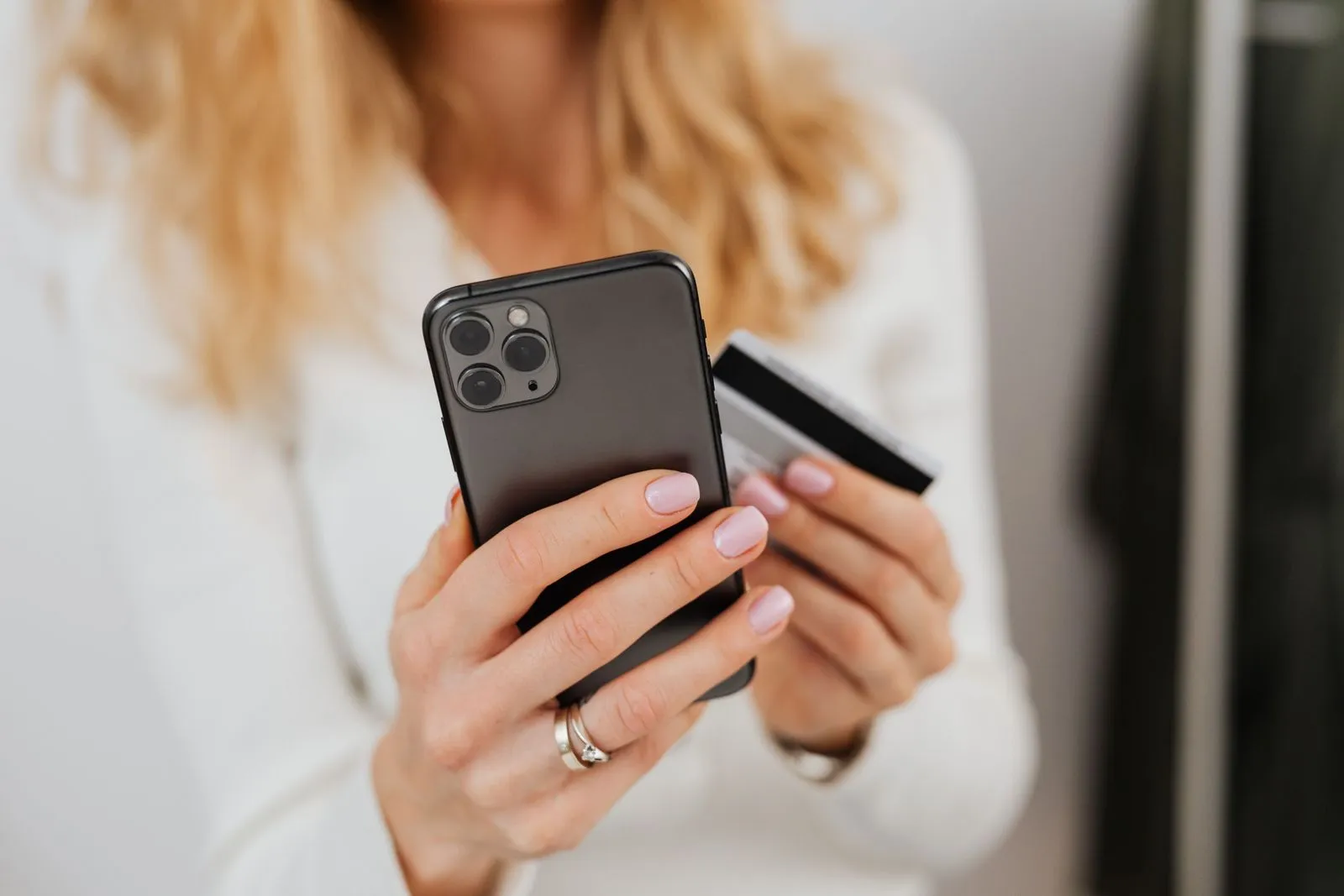
A common variation runs through PayPal. The seller asks you to send the money as "Friends and Family" because it's supposedly faster or avoids fees. PayPal's own help center tells you to refuse: Friends and Family payments aren't covered by PayPal Purchase Protection, while Goods and Services payments are.
PayPal also warns that a seller pushing for Friends and Family may be a scammer who knows exactly that. For the scammer, it's the perfect setup, since the money arrives right away and nothing protects you if the item never ships. Why the trick works and what to try if you've already paid is explained in our guide to the PayPal Friends and Family scam.
Fake listings: stolen photos and items that don't exist
Many Facebook Marketplace scams start with a listing for an item the seller doesn't own. The photos come from other listings, online stores or the manufacturer's website. A reverse image search with Google Lens, Bing or TinEye often shows within a minute whether the same picture appears elsewhere, for example in an older listing under a different name.
No results don't mean the listing is safe. Fresh photos, edited pictures and AI-generated images usually don't turn up in a search. Look for details that have to fit the story: the background, the lighting, plugs and outlets, suspiciously smooth edges.
Our guide on how to tell if a photo is photoshopped shows what retouching leaves behind, and the one on how to tell if an image is AI-generated lists the typical giveaways. For every check in one place, see our overview of how to tell if a photo is real.
Asking for an extra photo of the item next to a note with your name and today's date used to be a good test. A real seller sends one quickly, and a seller who dodges the request has told you something too. It's no longer proof, though, because current AI image generators can render legible text. A short live video call in which the seller shows and turns the item is a stronger check, and seeing it in person is better still.
Rental and ticket scams on Marketplace
Rental listings raise the stakes of Facebook Marketplace scams, because the upfront payments are large. The FTC describes how rental listing scams work: scammers copy photos and descriptions from real listings and swap in their own contact details, or they advertise places that aren't for rent at all. Often, the fake landlord is out of the country, can't show the property and pushes you to pay an application fee, deposit or first month's rent fast.
The FTC's advice is to search the address together with the owner's name, see whether the rental company lists the property on its own website and, if you can, visit before you pay. If someone insists on a wire transfer, gift cards or cryptocurrency, the FTC says it's a scam. Our guide to rental scams covers the other warning signs and how to check a listing and its landlord before you pay.
Tickets carry a different risk. A ticket sent as a PDF or screenshot can be copied and sold to several buyers, and you may only find out at the gate. In our view, the official resale option of the venue or ticket platform, where one exists, is usually a safer route than paying a stranger upfront.
Scams that target sellers: fake payments, overpayment and codes
Selling carries its own risks. The FTC's alert on selling stuff online names the tricks scammers use on Facebook Marketplace, Craigslist and similar sites:
- Fake payment notifications: A buyer insists on a payment app, then sends a fake notification and hopes you ship before you notice.
- Bogus refund requests: The buyer claims they paid twice by accident and asks you to refund one payment.
- Overpayment by check: You get a check for more than the price and are asked to send back the difference. Even after the check seems to clear, it can take weeks for the bank to find out it was fake, and then the money comes back out of your account.
- Code requests: A "buyer" who wants to confirm you're a real person asks you to read back a Google Voice code sent to your phone.
That last request lets the scammer set up a Google Voice number linked to your phone number and use it to cheat other people. The FTC's advice: don't accept a mobile payment from someone you don't know, never deposit a check for more than the selling price, and never share a code sent to your phone with a stranger. Every trick aimed at sellers, plus the fixes, is in our guide to Facebook Marketplace seller scams.
How to buy and sell safely on Facebook Marketplace
Spotting Facebook Marketplace scams is good. Not giving them an opening is better. Most of them fail against a few habits that match the advice from the FTC and Meta linked above:
- Stay in Messenger: Keep the conversation on Facebook and don't hand out your number or email until you need to.
- Buy local and inspect first: Look at the item, switch it on and try it before any money changes hands.
- Take cash for local sales: The FTC notes that many sites recommend selling to local buyers in person for cash.
- Check payments in your own account: Open your bank or payment app yourself instead of trusting a screenshot, email or link.
- Take your time: Anyone who pushes you to decide right now usually has a reason.
For expensive items, it's our view that a busy public place or a friend along for the meetup is a sensible precaution. Check the buyer's or seller's profile and ratings before you meet, as Meta recommends, and look up tracking numbers on the carrier's own website when an item is shipped.
The same basics apply on every platform. If you also buy or sell on Vinted, you'll run into its own payment rules and its own tricks, which our guide to Vinted scams walks through.
For sellers: let buyers verify your listing photos
Suspicion hits legitimate sellers too. Buyers ask for more photos, want a video call or back out because a deal looks too good. Proof of when your pictures were taken and that they haven't been changed since can cut that back-and-forth short.
That's what we're building TrustCamera for. You capture the photos or a short video for your listing directly in the app, and uploads from the gallery aren't possible. Each capture gets a check code. If a buyer wants proof, capture a fresh shot and share its code in Messenger. The buyer enters it at app.trustcamera.com for free, without an account, and sees that the file hasn't been altered since capture, along with the capture time and approximate location.
The limits matter just as much. A check code proves the file, not the scene: it can't show whether a device works as described, and a staged shot stays staged. TrustCamera's Android and iOS app hasn't launched yet; it's coming soon.
Already paid a scammer? First steps
If money or an item is already gone, move quickly. The FTC's guide on what to do if you were scammed says to contact the company you paid right away and ask for a reversal. Together with Meta's advice, that adds up to these steps:
- Contact the payment company right away: For Zelle, a bank transfer or a card payment, contact your bank or card issuer. For Venmo, Cash App or PayPal, report it to the payment app. Ask them to reverse the payment and refund your money.
- Save the evidence: Take screenshots of the listing, the profile, the chat and your payment confirmation.
- Report the profile to Facebook: Meta's help center asks you to report suspected scammers and stop talking to them.
- Report the scam: File a report with the FTC at ReportFraud.ftc.gov. For internet fraud, the FBI's Internet Crime Complaint Center takes reports at ic3.gov.
If you typed card details into a fake page, call your card issuer, and change any password you entered there. Your chances of getting money back, and what to put in each report, are covered in our guide on what to do if you got scammed on Facebook Marketplace.
Frequently asked questions about Facebook Marketplace scams
Can you get scammed on Facebook Marketplace?
Yes, as a buyer and as a seller. Buyers lose money on deposits and upfront payments for items that never ship. Sellers lose items to fake payment emails, bogus refund requests and overpayments. You can avoid most of these by meeting locally, inspecting before paying and checking every payment in your own account.
Is Facebook Marketplace mostly scams?
No. In our view, most listings come from ordinary people selling ordinary things. But scams are common enough to take seriously: according to the FTC, people reported losing more money to scams that started on Facebook in 2025 than on any other social platform. Treat every deal that involves paying or shipping before you can check as a possible scam.
How can you tell if a Marketplace seller is a scammer?
Watch for a price far below market value, pressure to decide fast and a request for a deposit or for payment through Zelle, Venmo, Cash App, gift cards or a wire transfer. A push to leave Messenger or a payment link sent by text are warning signs too. In our view, a seller who won't show the item on a live video call or meet in person is worth a second look.
Why do Marketplace scammers ask you to text them?
Meta's help center lists moving the chat outside Facebook and Messenger, for example to WhatsApp, text or email, as a sign of a possible scam. In our view, scammers push for it because a text thread gives them your phone number and moves the chat away from the platform where you can report them. That number can then be used for code requests, fake payment texts or phishing links.
What are the most common Facebook Marketplace scams?
Meta and the FTC describe the same core patterns: upfront payments and deposits for items that never arrive, fake listings with stolen photos, fake payment notifications and refund requests aimed at sellers, overpayment by check and requests for verification codes. In our view, rental listings and tickets are especially risky because of the upfront money involved.
Does Facebook refund you if you get scammed?
Only in limited cases. According to Meta, eligible purchases made with checkout on Facebook are covered by Purchase Protection. Items exchanged in person for cash or through other person-to-person payment methods are not. A payment you send through Zelle or Venmo isn't a checkout on Facebook at all. In those cases, contact your bank or payment app right away and ask whether the payment can be reversed.
Conclusion: most Facebook Marketplace scams fail if you slow down
Almost every one of these Facebook Marketplace scams depends on you paying or shipping before you can verify anything. Watch for the combination of red flags: a price that's too good, pressure, upfront payment apps, links and a push to leave Messenger. Buy locally when you can, inspect first and check every payment in your own account.
Sellers are protected by the same calm: no links from strangers, no codes, no refunds of overpayments, and nothing ships until the money is really there. If you also back your listings with photos buyers can verify, you make it easier for honest buyers and harder for scammers.
About the author

Co-founder & Marketing at TrustCamera
Yannick is a co-founder of TrustCamera and leads marketing and content. He holds a bachelor's and a master's degree in business and has worked in content marketing and SEO for years.